What it looks like in your report
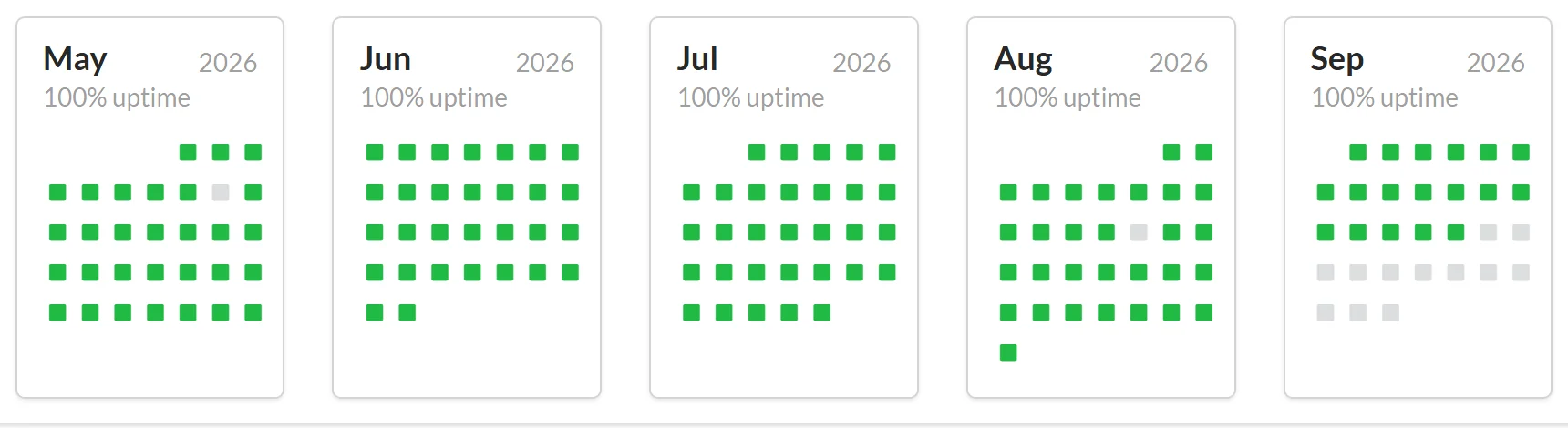
Every monitor gets a report and status page like these. Real screenshots from public Upzilla reports.


Check any HTTP or HTTPS endpoint: expected status codes, response content, custom headers and authentication. Know when a URL stops behaving the way you expect.
A server that returns 200 can still serve an error page, an empty body or a login wall. HTTP monitoring lets you say exactly what a healthy response looks like and alerts you when reality differs.
It is the most flexible monitor for web servers, health-check endpoints, webhook receivers and internal tools reachable over HTTP.
Every check is stored in a full log, so you can see exactly when and how something changed.
Define which HTTP responses count as up, for example 200 or 301.
Require or forbid specific text in the response.
Send your own headers, credentials or a POST body.
Pause alerting during planned work without deleting the monitor.
Every monitor gets a report and status page like these. Real screenshots from public Upzilla reports.
From sign-up to your first alert in a few minutes.
Add the endpoint and, if needed, a port and credentials.
Set the expected status codes and any content rule.
Pick channels and locations, then save.
Sensible defaults get you started; every option below can be tuned per monitor.
| Setting | What it does |
|---|---|
| URL | The HTTP or HTTPS address to check. |
| Port | Port of the HTTP(S) server. |
| Username & password | Basic authentication credentials, if required. |
| HTTP headers | Headers to include in monitoring requests. |
| String to POST | Body to send with a POST request. |
| Response status codes | Which codes mean success. |
| Content | Text the response must or must not contain. |
| Maintenance mode | Suspend alerts during maintenance. |
| Frequency | How often the check runs: 1 to 120 minutes. The Free plan checks from every 15 minutes; Premium from every minute. |
| Locations | Run the check from one or several of 9 locations: Spain, France, United Kingdom, USA (New York, Los Angeles), Australia, Singapore, Japan and Germany. |
| Notifications | Pick any of your pre-configured alert channels: e-mail, SMS, Telegram, Slack, Messenger, voice call, webhooks and more. |
| Status page | Make the statistics of this monitor public or private. |
| Tags | Group monitors with tags to keep large accounts tidy. |
| IP version | Force IPv4, IPv6, or let Upzilla use whichever is available. |
Watch /health or /status routes exposed by your services.
Monitor pages that require basic authentication.
Verify that redirects still point to the right place.
Alert if a key phrase disappears from a page.
Create as many notification methods as you like, even on the free plan.
They share the same engine. The HTTP(S) monitor is aimed at endpoints and servers, with full control over headers, bodies and expected responses.
Yes, use the Content option to require or forbid text.
It connects over HTTPS. For certificate expiry alerts, add an SSL certificate monitor.
Yes, turn on maintenance mode for the monitor.
No card required. 10 monitors of any type, free.