What it looks like in your report
Every monitor gets a report and status page like these. Real screenshots from public Upzilla reports.
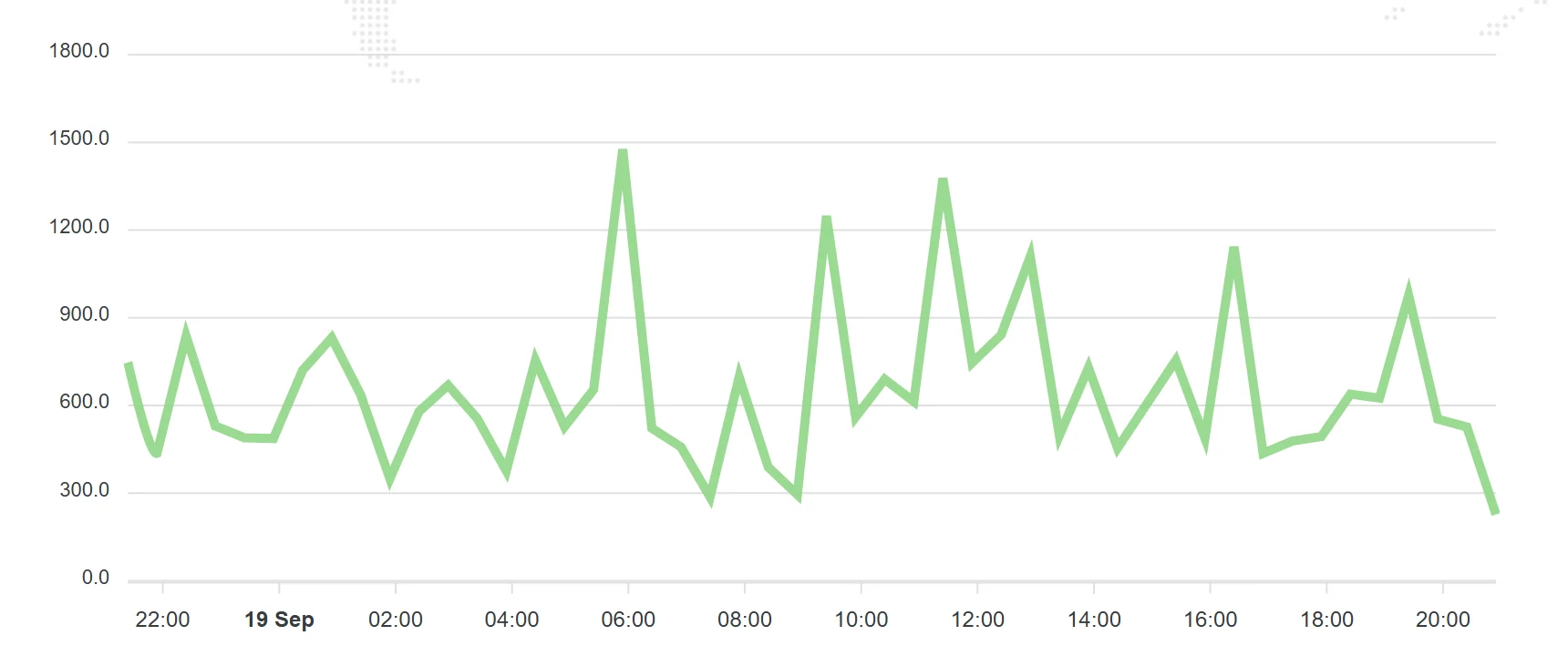


Slow pages lose visitors and rankings. Track how fast your pages load from several locations, see when they slow down and get alerted before customers notice.
Visitors leave slow pages. Search engines treat speed as a ranking signal. Yet a page that loads fast today can slow down after a plugin update, a new tracking script or a busy hosting node.
A page speed monitor measures load time on a schedule and keeps the history, so a slowdown shows up as a trend you can act on, not a surprise in a support ticket.
Every check is stored in a full log, so you can see exactly when and how something changed.
See how the same page performs for visitors in different regions.
Spot slow drifts over weeks, not just outright failures.
Add credentials or custom headers to measure pages behind a login.
Define which HTTP responses count as a healthy page.
Every monitor gets a report and status page like these. Real screenshots from public Upzilla reports.
From sign-up to your first alert in a few minutes.
Choose the pages that matter most: home, pricing, checkout.
Measure from where your visitors are.
Get alerted when load time crosses what you consider acceptable.
Sensible defaults get you started; every option below can be tuned per monitor.
| Setting | What it does |
|---|---|
| URL | The page to measure, including http or https. |
| Port | Optional port for the web server. |
| Username & password | Credentials for pages that need authentication. |
| HTTP headers / POST string | Customise the request the monitor sends. |
| Response status codes | Which status codes mean success. |
| Frequency | How often the check runs: 1 to 120 minutes. The Free plan checks from every 15 minutes; Premium from every minute. |
| Locations | Run the check from one or several of 9 locations: Spain, France, United Kingdom, USA (New York, Los Angeles), Australia, Singapore, Japan and Germany. |
| Notifications | Pick any of your pre-configured alert channels: e-mail, SMS, Telegram, Slack, Messenger, voice call, webhooks and more. |
| Status page | Make the statistics of this monitor public or private. |
| Tags | Group monitors with tags to keep large accounts tidy. |
| IP version | Force IPv4, IPv6, or let Upzilla use whichever is available. |
Prove that a speed fix helped, and that it stays fixed.
Protect conversion on product and checkout pages.
Detect regressions from new code or third-party scripts.
Report real speed data to clients each month.
Create as many notification methods as you like, even on the free plan.
Aim for a few seconds at most. If a page takes longer than about 3 seconds, a meaningful share of visitors will leave.
No. It tells you when and where speed changes. Use a lab tool to dig into why.
Yes. Provide credentials or custom headers in the advanced options.
Every 1 to 120 minutes on Premium; the Free plan measures from every 15 minutes.
No card required. 10 monitors of any type, free.