What it looks like in your report
Every monitor gets a report and status page like these. Real screenshots from public Upzilla reports.
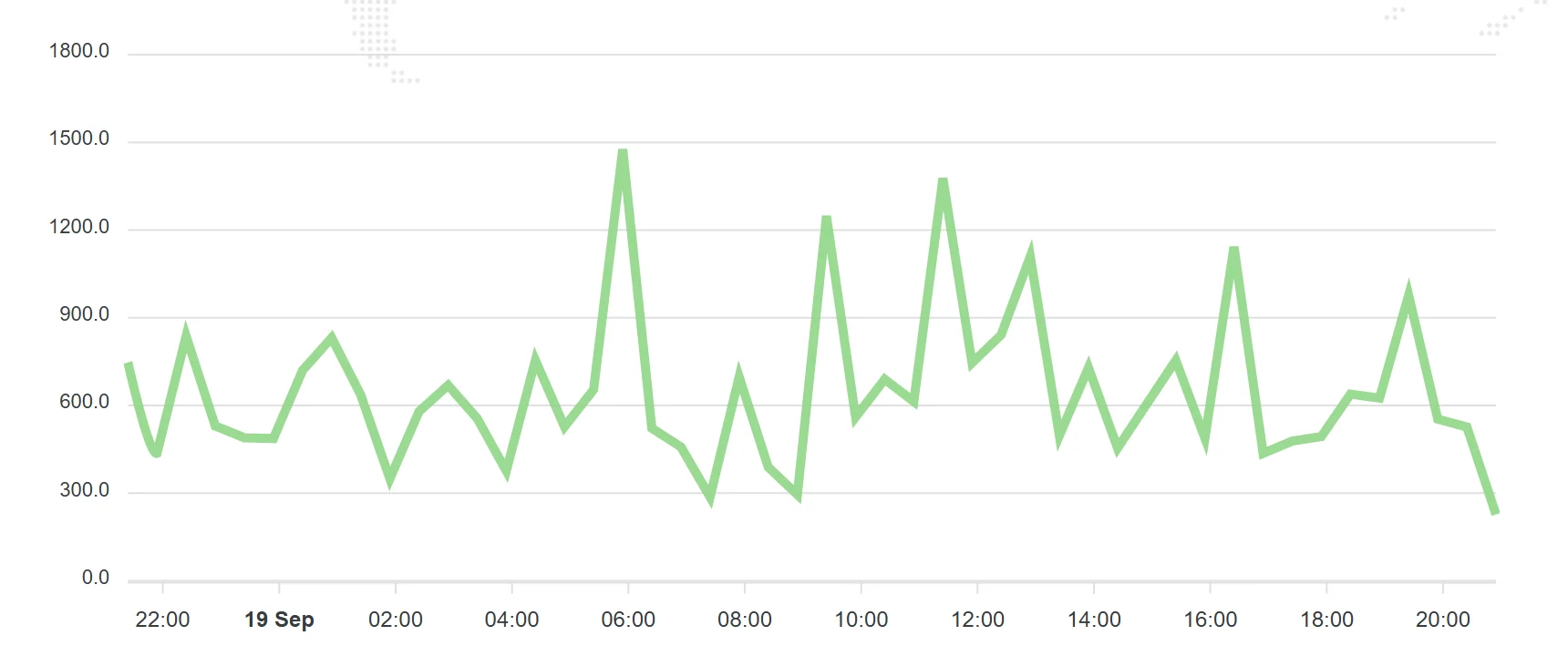

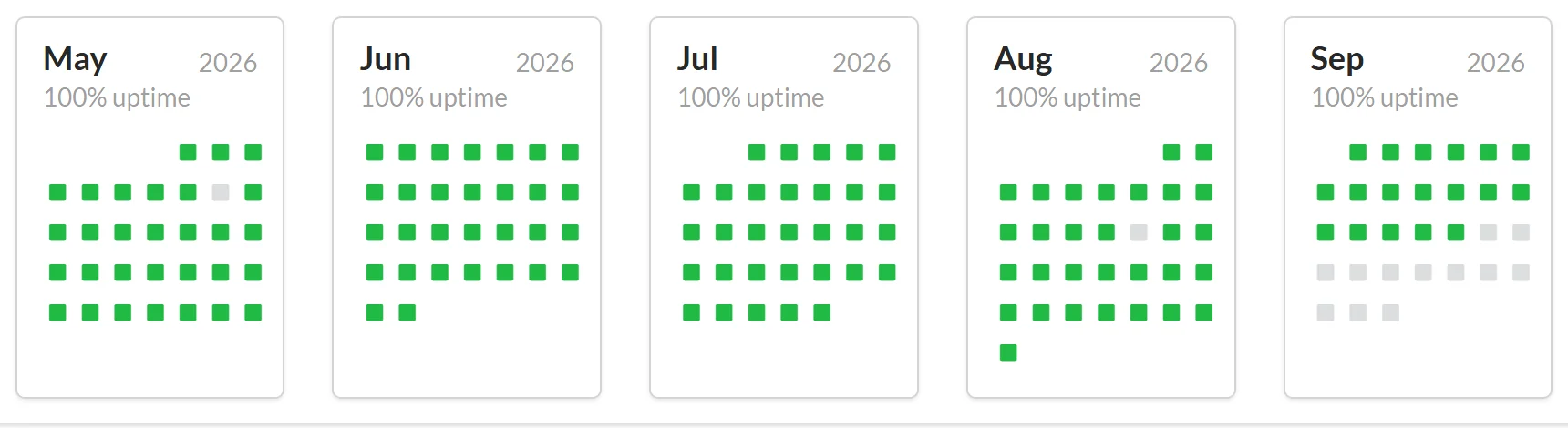
Keep an eye on the servers behind your sites. Upzilla checks that your web server responds correctly, fast enough and with the content you expect, from locations around the world.
Web servers fail in quiet ways: a worker pool exhausted, a full disk, a bad config reload. The site may still respond intermittently while some visitors get errors.
A web server monitor tests the server directly and repeatedly, from several places, and records every result. Patterns like “fails only from Asia” or “slow every night at 2 a.m.” become visible.
Every check is stored in a full log, so you can see exactly when and how something changed.
Confirms the server answers on the right port.
Status code and content checks catch errors that still look like a response.
Supports credentials and custom headers.
Silence alerts during planned work.
Every monitor gets a report and status page like these. Real screenshots from public Upzilla reports.
From sign-up to your first alert in a few minutes.
Use the address visitors or your load balancer use.
Status codes and optional content match.
Alerts go to the channels you choose.
Sensible defaults get you started; every option below can be tuned per monitor.
| Setting | What it does |
|---|---|
| URL | The web server address, with http or https. |
| Port | Port the server listens on. |
| Username & password | Credentials if the server requires them. |
| HTTP headers / POST string | Custom request details. |
| Response status codes | Codes that count as healthy. |
| Content | Text that should or should not appear. |
| Maintenance mode | Pause alerts during maintenance. |
| Frequency | How often the check runs: 1 to 120 minutes. The Free plan checks from every 15 minutes; Premium from every minute. |
| Locations | Run the check from one or several of 9 locations: Spain, France, United Kingdom, USA (New York, Los Angeles), Australia, Singapore, Japan and Germany. |
| Notifications | Pick any of your pre-configured alert channels: e-mail, SMS, Telegram, Slack, Messenger, voice call, webhooks and more. |
| Status page | Make the statistics of this monitor public or private. |
| Tags | Group monitors with tags to keep large accounts tidy. |
| IP version | Force IPv4, IPv6, or let Upzilla use whichever is available. |
Cheap, fast detection for small deployments.
Monitor each node directly as well as the public address.
Check pre-production environments before releases.
Compare old and new servers during a move.
Create as many notification methods as you like, even on the free plan.
Any server reachable over HTTP or HTTPS: Apache, Nginx, IIS, LiteSpeed, Caddy and others.
No. It checks from outside, the way your visitors reach the server.
This monitor checks external availability and responses. It does not read internal CPU or memory.
On Premium checks run as often as every minute (Free: from every 15 minutes), and alerts are sent as soon as a failure is confirmed.
No card required. 10 monitors of any type, free.